Django Part 2: Template Inheritance & URL Tags
‘Template inheritance’ and ‘URL Tags’ are concepts in Django that let you abstract your webpage designs and links. So that when you want to make changes to your website in the future, you can change it in a single place instead of everywhere else in your project.
Some things I’d like to mention at the start:
-
This post mostly tracks Part 3 of Corey Schafer’s Django tutorial. Thanks Corey.
-
The word ‘app’ in this post refers one of the small apps within the Django project, it is not the overall web app.
-
blogis the app that Corey builds in his tutorial. Whatever I say aboutblogcan be generalised to any app inside your Django project. -
In this post, when I refer to ‘template file’, I mean the HTML file that the view function renders.
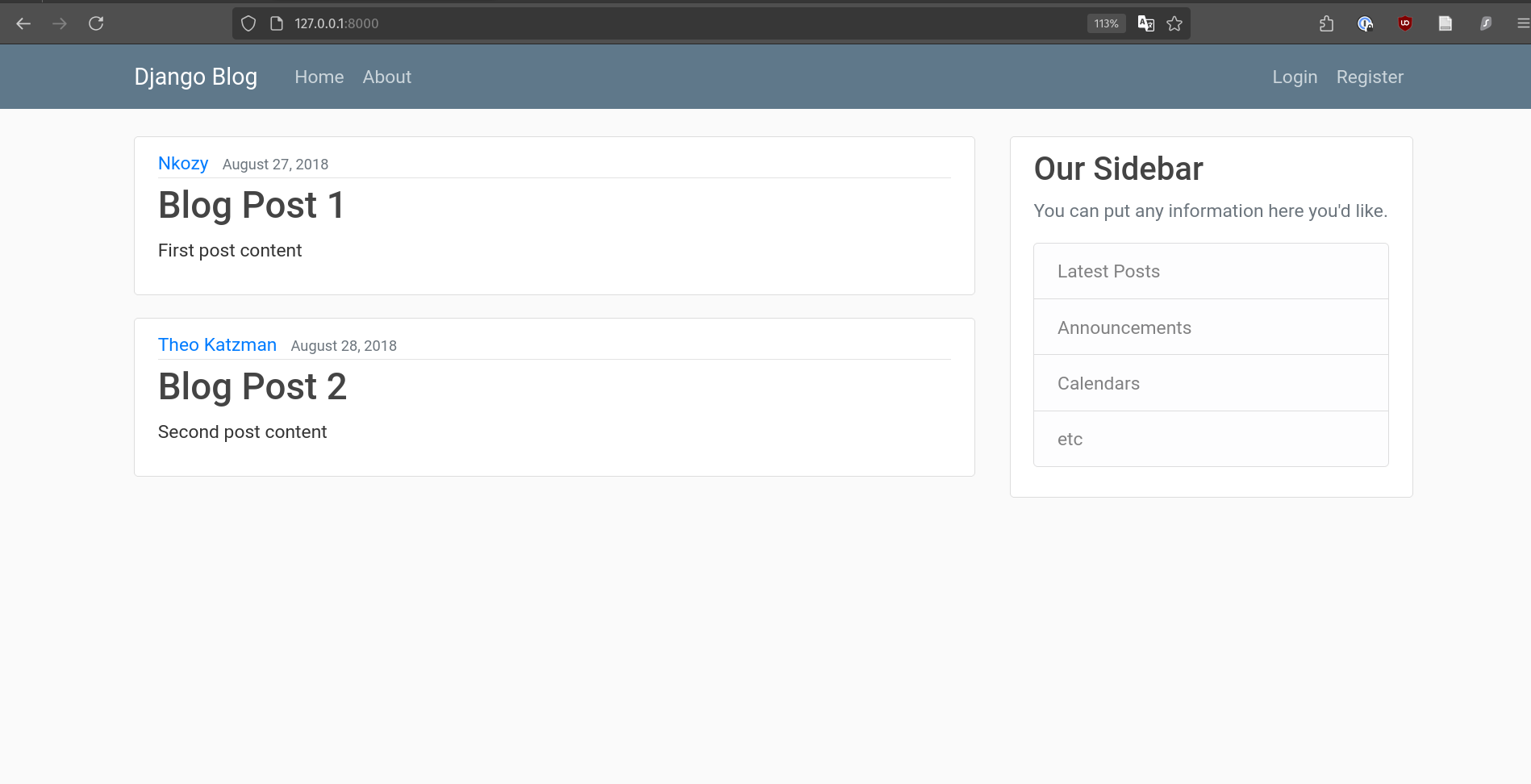 A blog app with a Bootstrap 5 template.
Template Inheritance
Recall that templates are text files that style your webpage in Django. The main benefit of templates is reusability. As much as possible, you want to reference a template instead of rewriting the CSS/HTML from scratch, for each webpage.
Template inheritance allows you to create a reusable parent template that has editable blocks for child templates to customise. That way, you can make sweeping changes across child templates with a single edit in your parent template. In Django, the editable block inside the parent template looks like this:
{% block content %} {% endblock%}
Suppose we created a parent template called base.html <- It’s a hyperlink.
Then we can create child templates for our ‘home’ and ‘about’ pages which inherit from base.html. Remember, our goal is to give our blog the same style, but serve the user slightly different content.
Child Template 1: home.html
{% extends "blog/base.html" %}
{% block content %}
    {% for post in posts %}
    {% comment %} print post info, one at a time {% endcomment %}
        <h1>{{  post.title  }}</h1>
        <p> By {{ post.author }} on {{post.date_posted}}</p>
        <p> {{post.content}} </p>
    {% endfor %}
{% endblock content %}
Child Template 2: about.html
{% extends "blog/base.html" %}
{% block content %}
    <h1>About Page</h1>
{% endblock content %}
| Home Template | About Template |
|---|---|
 |
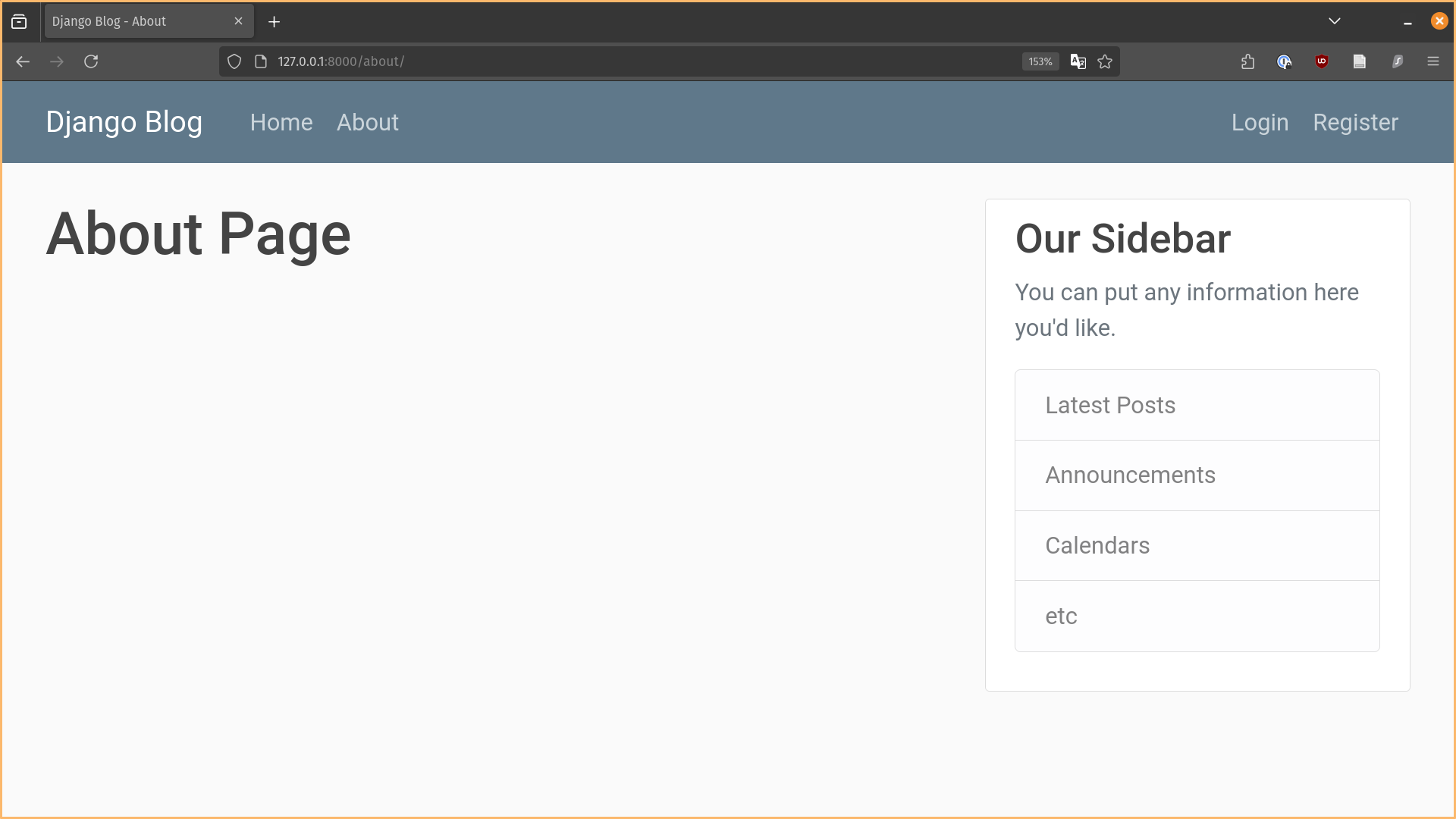 |
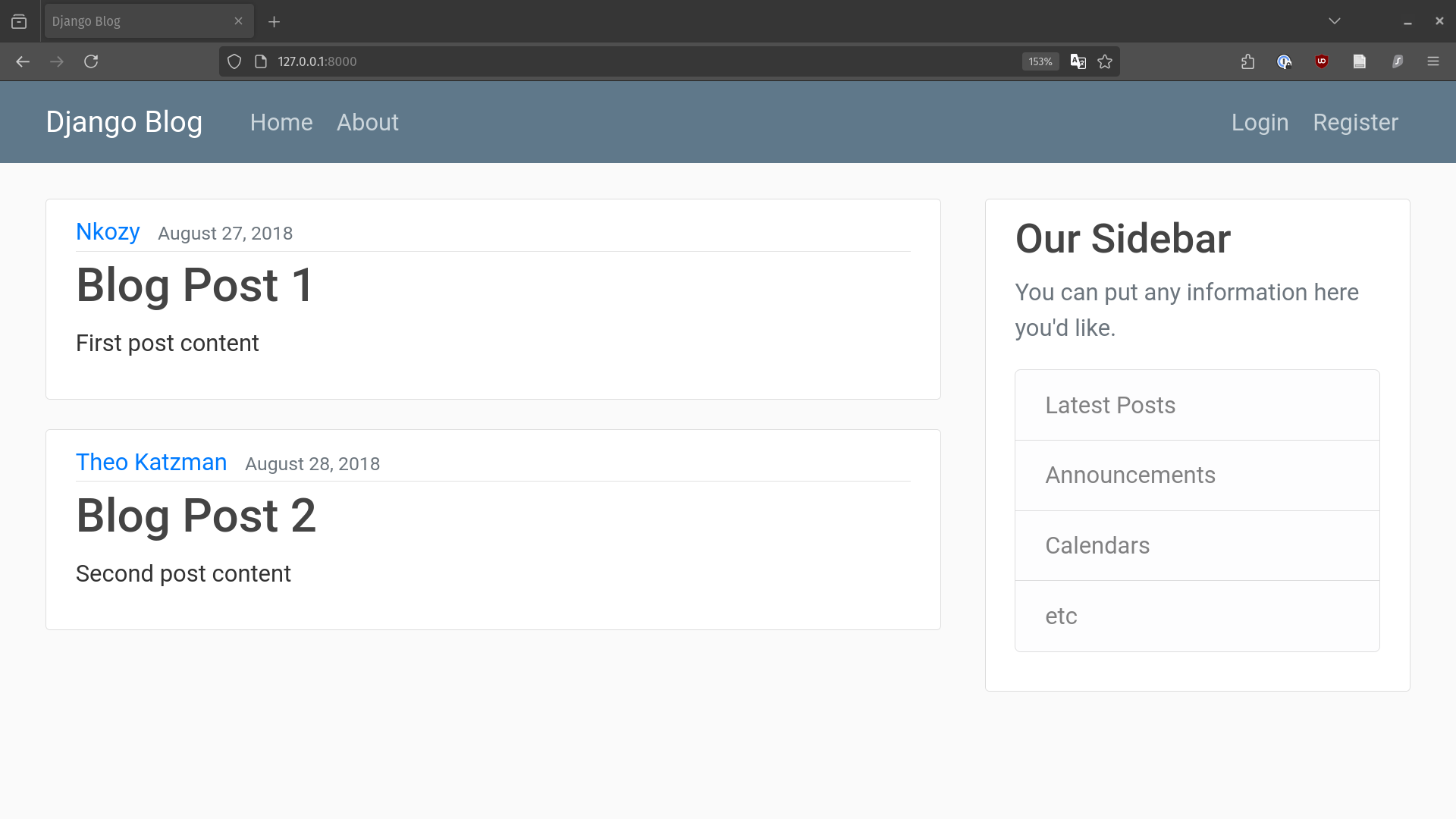
Both home.html and about.html inherit from base.html to give a consistently style.
You’ll notice the only difference in both pictures above is the white space between the navigation bar and the sidebar. That area is whatever is between the {% block content %} {% endblock content %} code block in our templates.
Now if you wanted to add another link in the navigation bar such as, ‘Create Post’, you can just add it in base.html and it will be applied to your home and about pages.
URL Tags
Besides abstracting templates, we can also abstract the links which route users to various pages on our website. In Django, we can use URL tags to abstract URLs to strings. Here’s an example of abstracting the home URL / to blog-home, which is more readable.
Example of a hardcoded home page link: href=”/”
<a class="nav-item nav-link" href="/">Home</a>
Replacing / with the URL Tag: blog-home
<a class="nav-item nav-link" href="{% url 'blog-home'%}">Home</a>
To set up URL tags, you can follow the guide given in the comments at the top of your project’s url.py file. I pasted them here for reference.
"""
URL configuration for django_project project.

The `urlpatterns` list routes URLs to views. For more information please see:
    https://docs.djangoproject.com/en/5.1/topics/http/urls/
Examples:
Function views
    1. Add an import:  from my_app import views
    2. Add a URL to urlpatterns:  path('', views.home, name='home')
Class-based views
    1. Add an import:  from other_app.views import Home
    2. Add a URL to urlpatterns:  path('', Home.as_view(), name='home')
Including another URLconf
    1. Import the include() function: from django.urls import include, path
    2. Add a URL to urlpatterns:  path('blog/', include('blog.urls'))
"""
You have the choice of using function views or class-based views, I will write an example with function views below.
- In your app’s
url.py: Add the name of your URL tag and associated view function. In this case, my URL tag isblog-homeand view function isviews.home.
# django_project/blog/urls.py
urlpatterns = [
    path('', views.home, name='blog-home'),
    path('about/', views.about, name='blog-about'),
]
- In your project’s
url.pyfile: Include the URLs for your app.
# django_project/django_project/urls.py
urlpatterns = [
    path('admin/', admin.site.urls),
    path('', include('blog.urls')) #  <- Include URLs from your blog app
]
If you haven’t noticed, the URL paths are object-oriented, so you have views.[view_function] and [your_app_name].urls.
With this, whenever we want to insert a link to the home page, we just refer to the URL tag blog-home. And if in the future, we decide to change the blog-home link to something else, say, blog/login-page, we only have to change it in the django_project/blog/urls.py file.
Recap: Creating a template for your app
Here are the steps to create a template for an app:
Step 1: Create your template file, template.html, within this folder structure. (You can rename the file to whatever you want)
`blog` example:
django_app
    └── blog
        └── templates
            └── blog
                └── template.html
Generally:
Your project home directory
    └── Your app folder
        └── App's template subfolder
            └── Subfolder named after app
                └── Template HTML file
In the blog example, you’ll notice there is a second blog subfolder after templates. It sounds redundant, but apparently it’s just part of the Django convention.
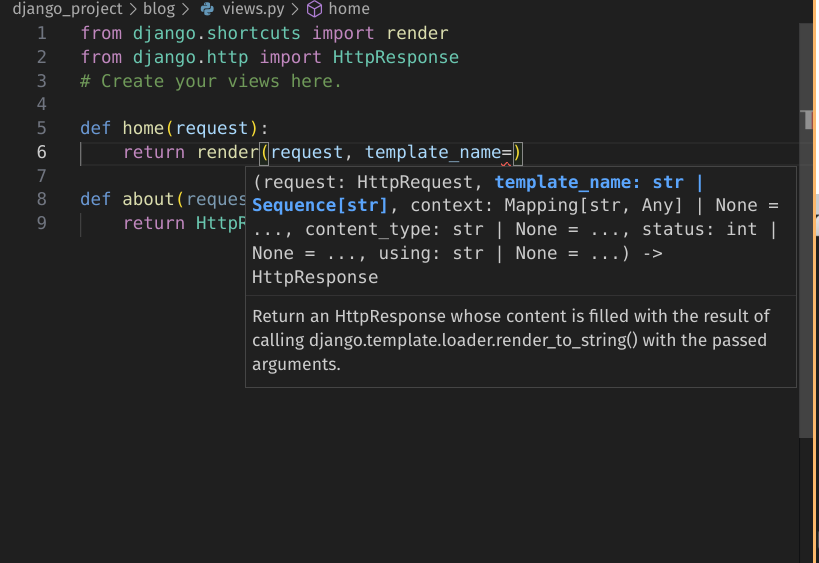
Step 2: Make sure that your view function within blog/views.py renders your template file.
Remark: The first argument of render is always request. Second argument is the relative filepath to the template html file.
# django_project/blog/views.py
def home(request):
    context = {'posts': Post.objects.all()}
    return render(request, template_name='blog/home.html', context=context)
(Above: An example of the home page view function that renders the home template)